Logging vehicle orders: Step-by-step guide
New September feature release
As customer enquiries progress, you can record orders within Driftrock and log them alongside opportunities.
Logging orders
If you're logging an order for a customer who isn't already in Driftrock, follow the steps to add the customer to Driftrock first, with the Add person feature.
https://knowledge.driftrock.com/en/articles/10429314
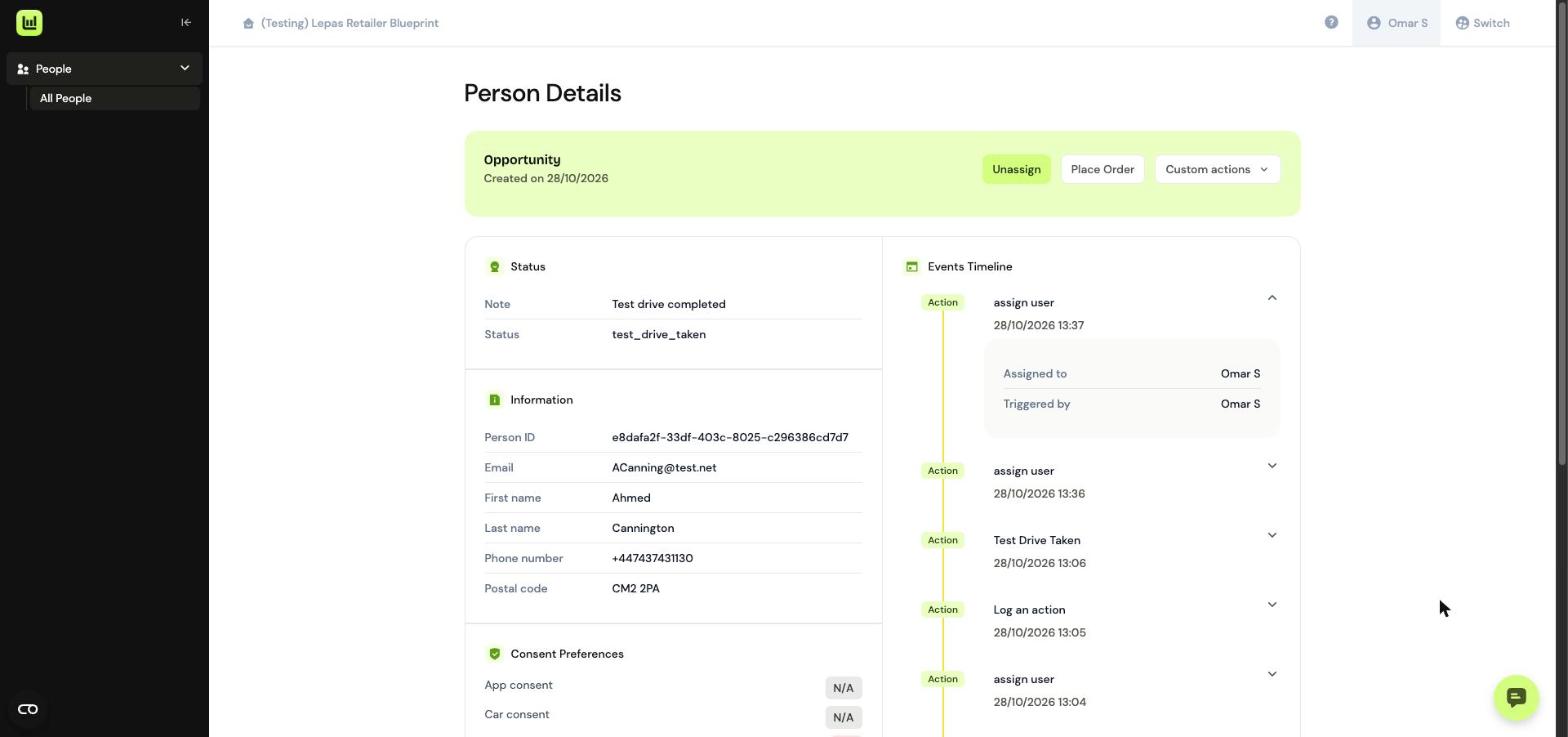
Navigate to your customer opportunity
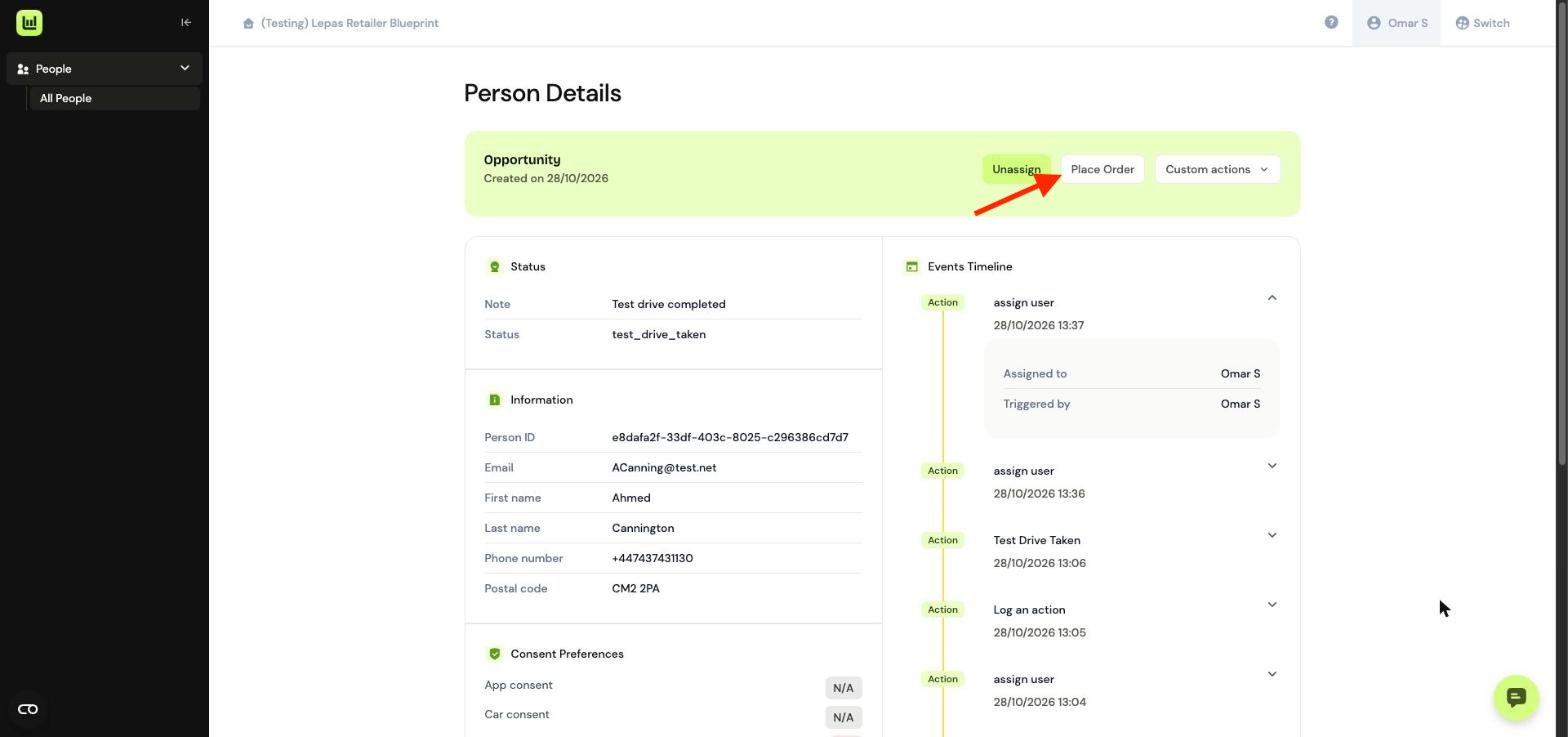
Select Place Order
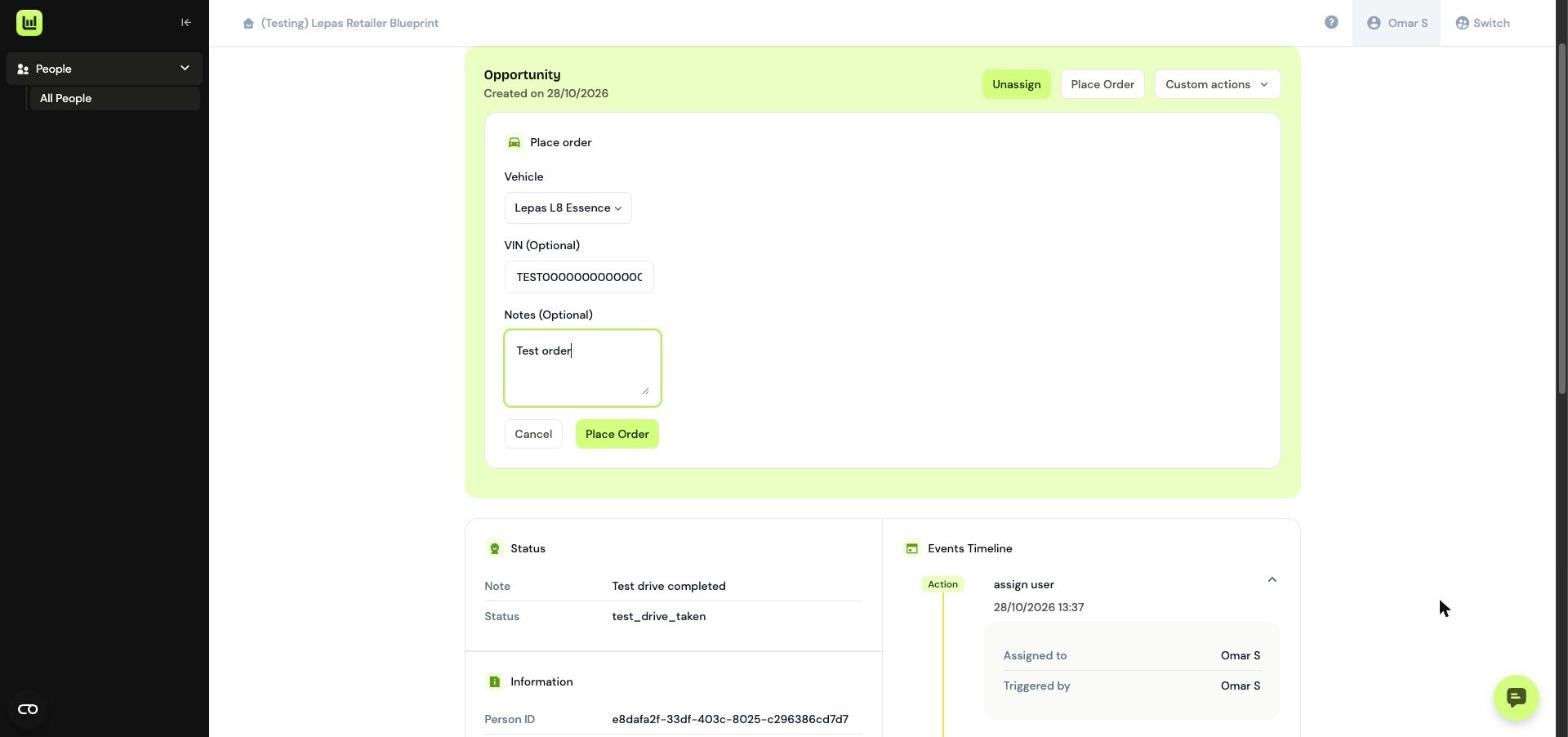
On the order screen, record the vehicle model, VIN (optional), and any notes associated with the order, such as a particular specification or colour. Click Create.
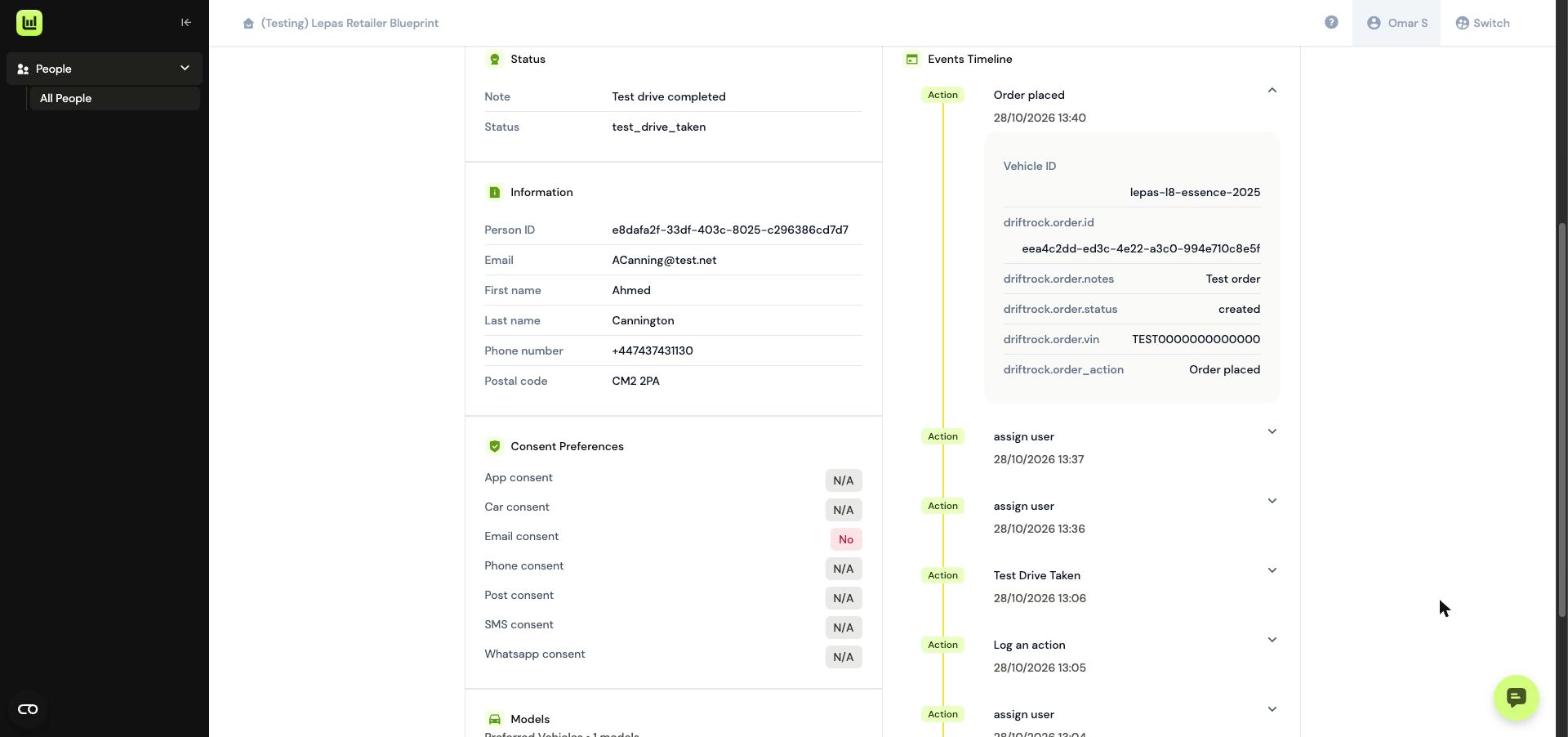
Within your opportunity, the customers Order will now be visible with the details you provided.
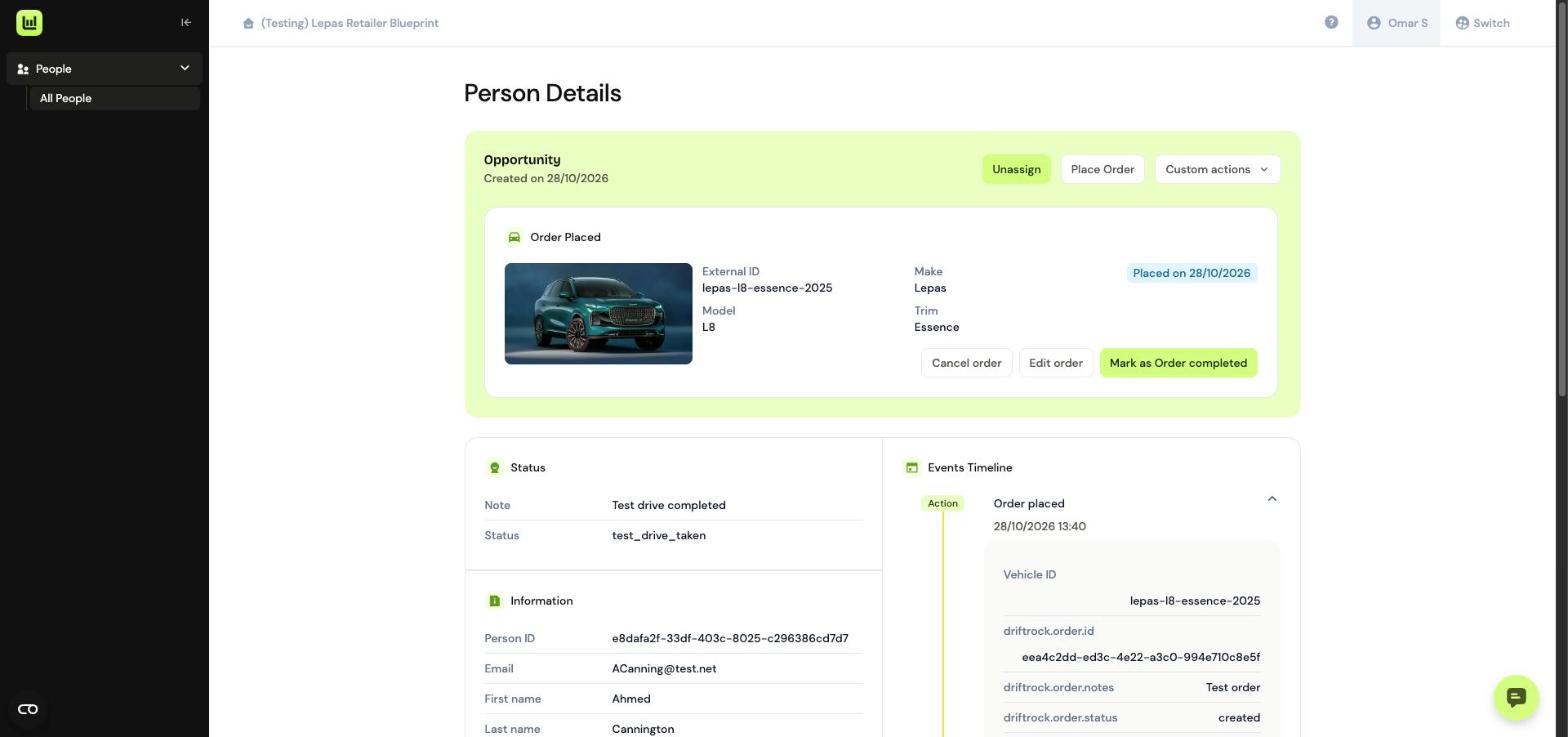
You can edit the order to make updates, changes or cancellations.
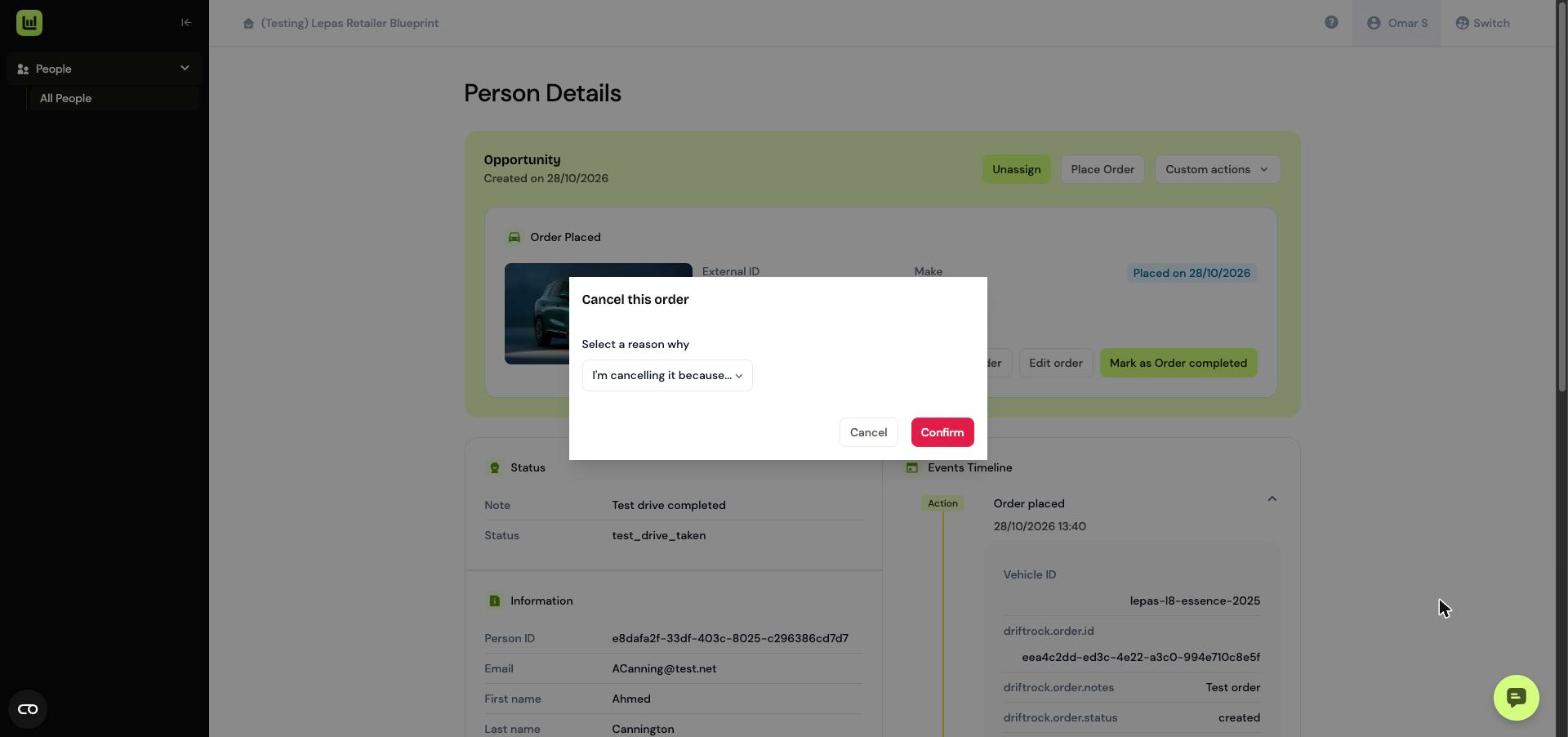
The order will also be recorded on the opportunity events timeline.