Adding an offline lead with the Add Person feature
Edited
When you receive a lead via a walk-in or offline appointment, you can log these in Driftrock so that you can record any associated sales actions.
Adding a person
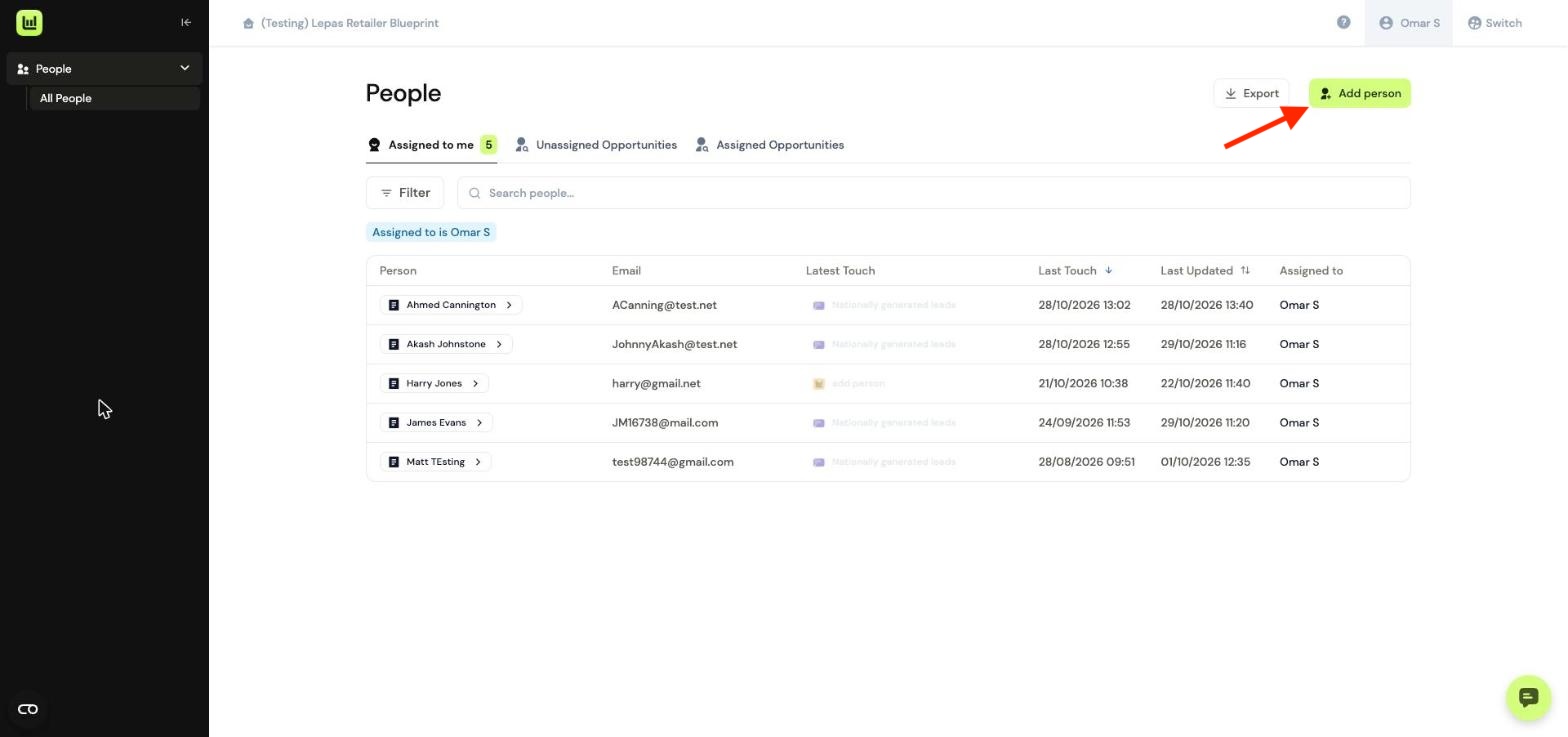
Navigate to people view, Select the Add person action button
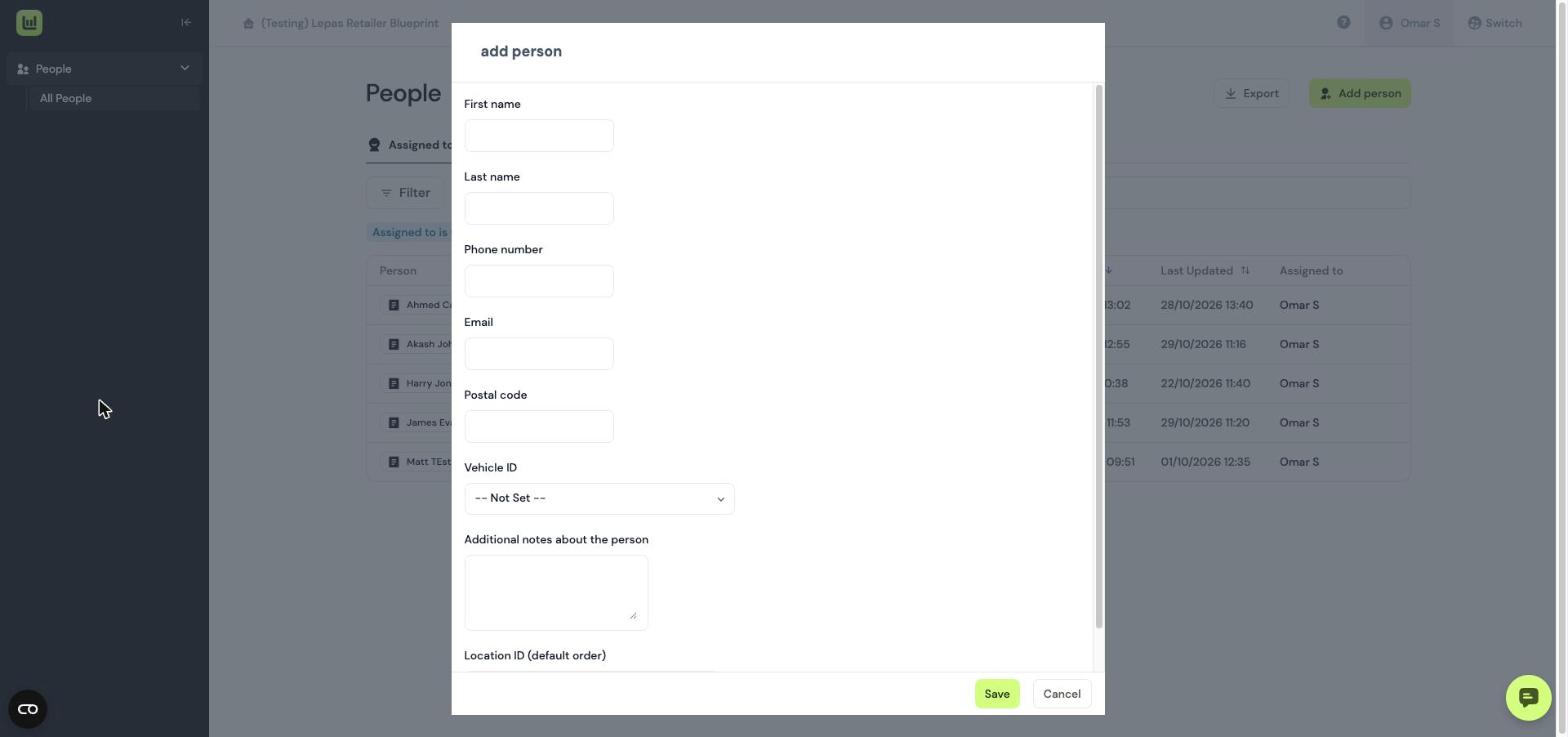
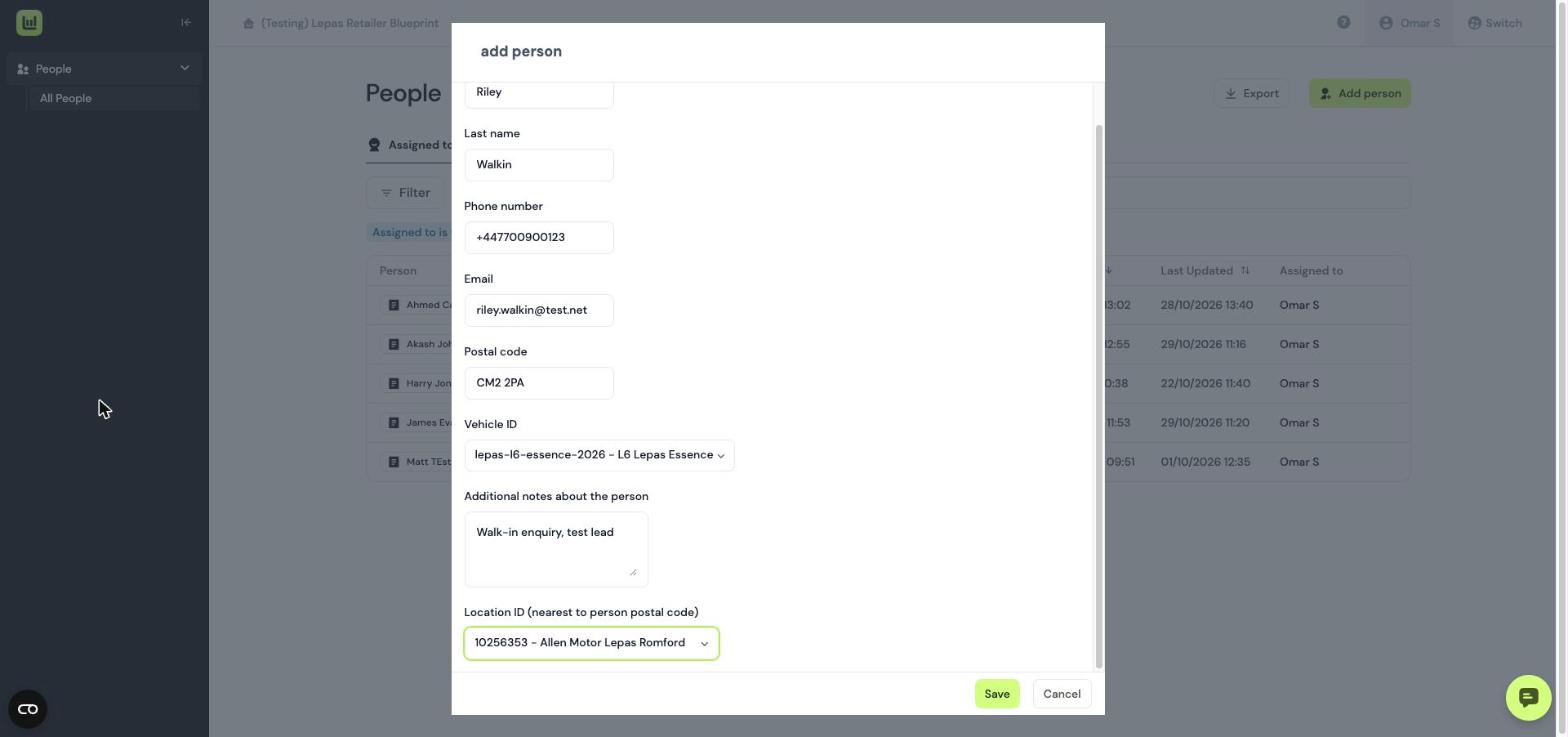
On the next screen, enter the details of the person and the vehicle they enquired on. Click Save.
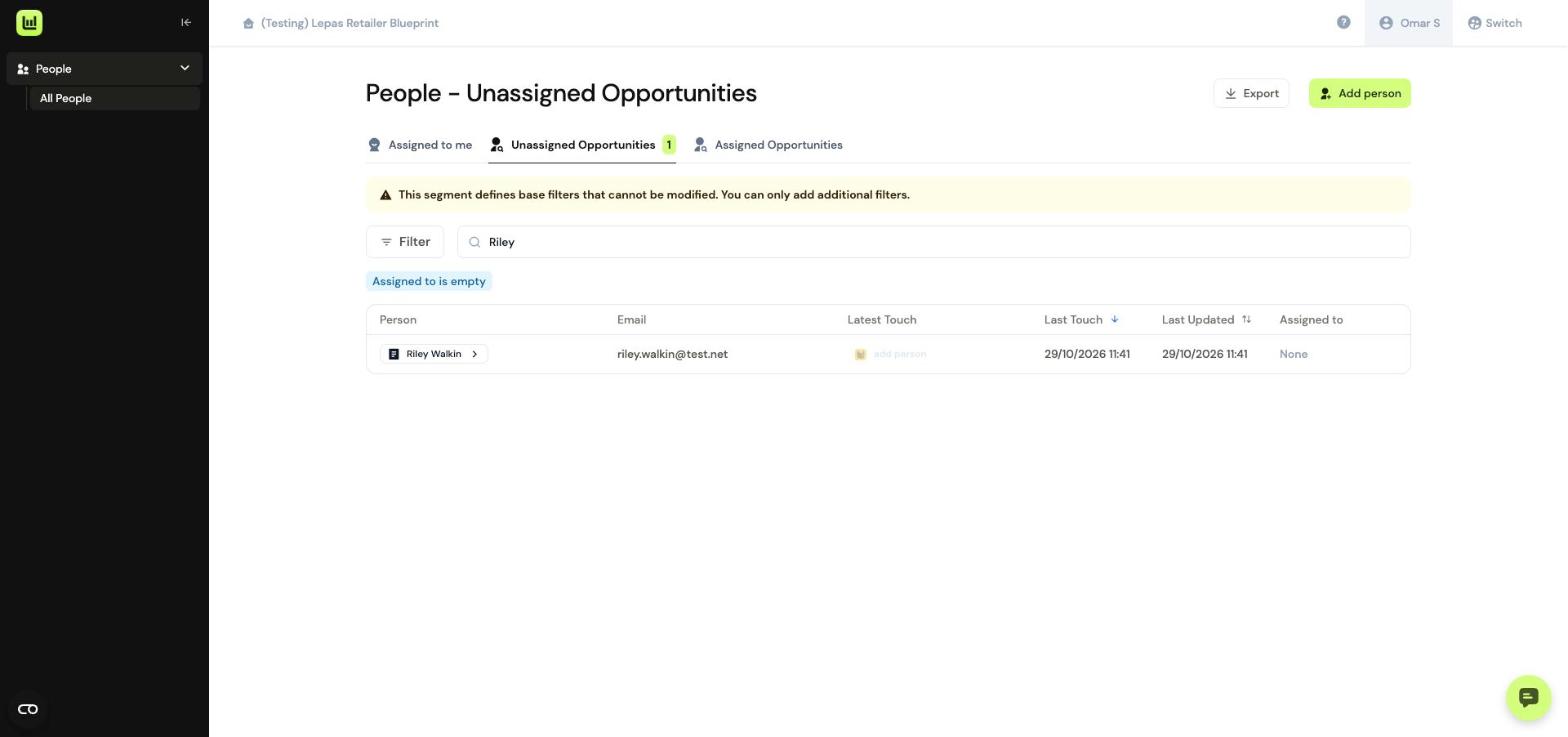
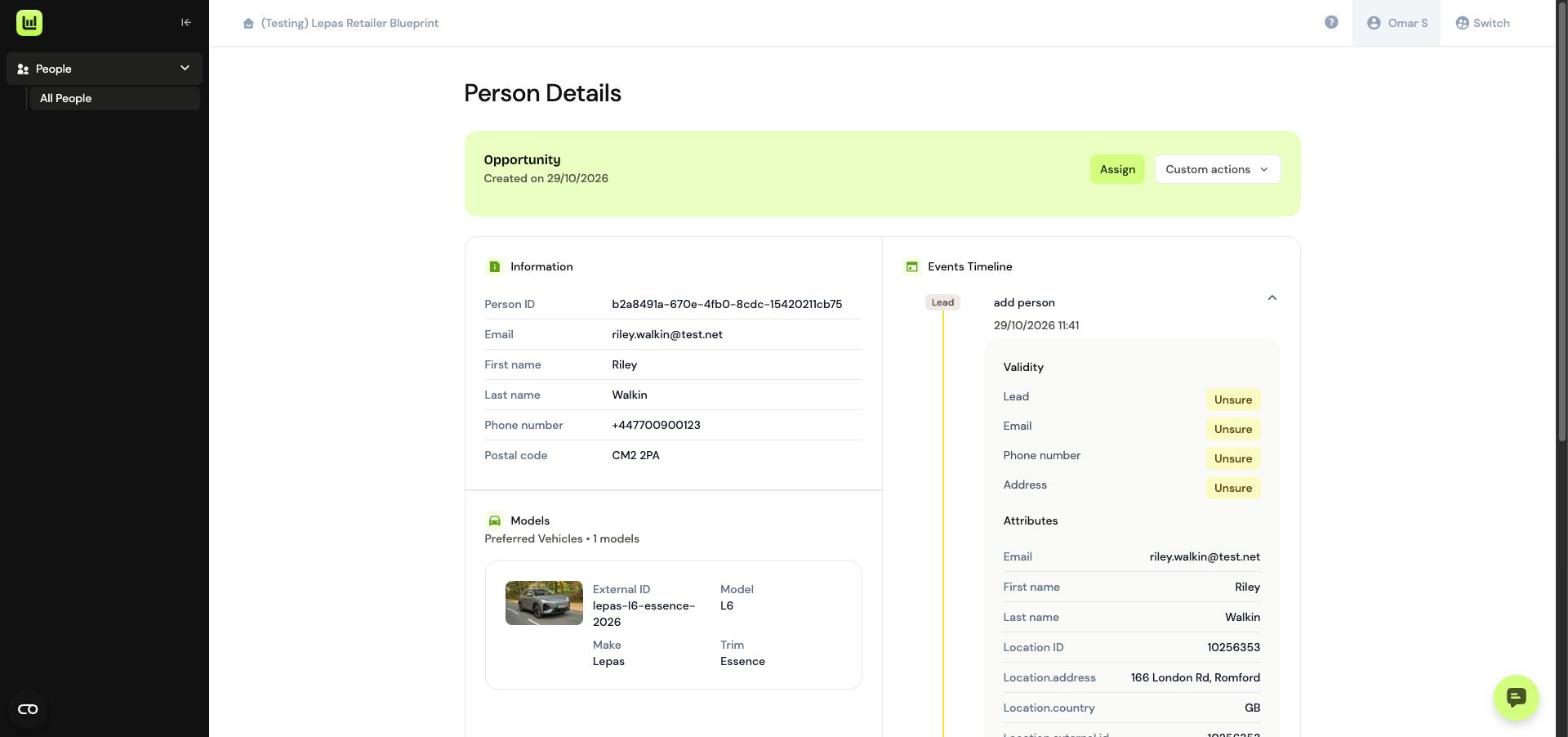
The individual will now be added into Driftrock as an unassigned opportunity. You can assign this to yourself or another member of the team, and complete all the same actions as you would any other enquiry.