
Receiving events back to your API with the Driftrock Generic HTTP Connection
The Generic HTTP Connection lets you send lead data from Driftrock to any third-party system that accepts HTTP requests, even if a native Driftrock integration does not exist for that system. You configure the endpoint, authentication, and payload structure yourself, without needing Driftrock engineering involvement.
This solution is commonly used by publisher and display partners, allowing them to receive events via postback URLs and similar solutions.
What is the Driftrock Generic HTTP Connection?
The Generic HTTP Connection is a self-serve destination type available in Driftrock's Connections settings. Once created, it appears as an automation option in any capture's Destinations step, just like a native CRM integration.
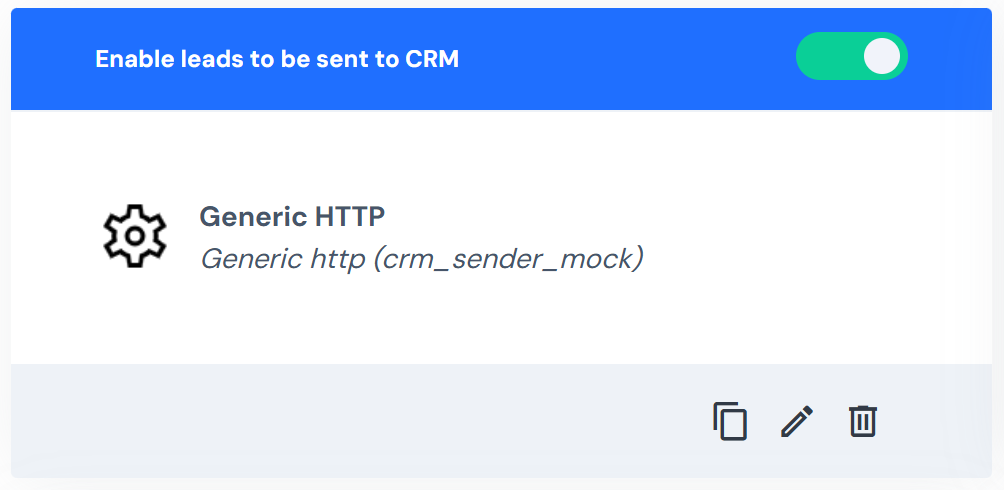
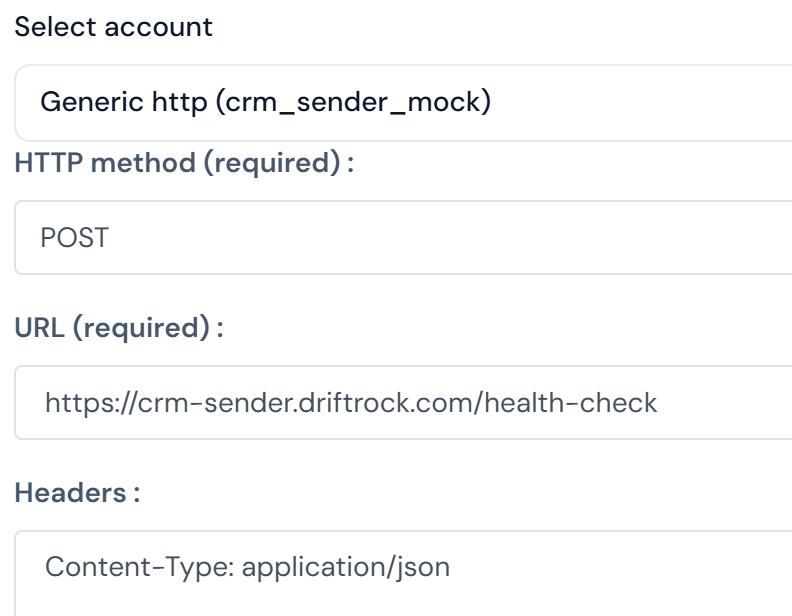
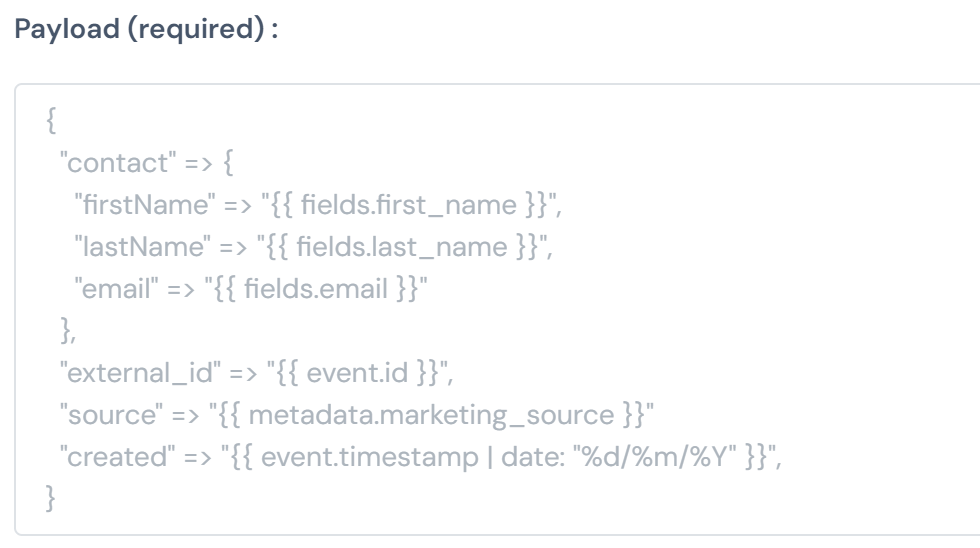
You define the endpoint URL, the HTTP method (typically POST), any required headers, and the payload structure. Driftrock dynamic fields let you insert lead data, such as email, phone, dealer ID, or any custom field, directly into the payload template, so each lead sent to the endpoint carries the correct values.
The connection runs through the full Driftrock lead flow, which means you can apply Lead Validation, Deduplication, and custom Routing Rules before a lead is sent to the external system.
Why use the Generic HTTP Connection?
Most new destination integrations require engineering time: either from the Driftrock team to build a native connector, or from your own team to build a custom middleware layer. The Generic HTTP Connection removes both of these requirements for systems that accept standard HTTP requests.
This is particularly useful for connecting to internal proprietary systems, niche CRMs without a native Driftrock integration, or partner platforms that support basic webhook delivery. Because this connection runs through the standard lead flow, leads and events sent to a Generic HTTP endpoint can still be validated and deduplicated before dispatch.
How it works
An Admin creates a Generic HTTP Connection in Settings, then Connections, providing a name and authentication token.
The connection is then available as a destination type in the Automate step of any capture.
In the automation settings, you enter the endpoint URL, HTTP method, payload headers, and payload body, using Driftrock dynamic field references to insert lead data.
When a lead or events arrives and meets your routing rules, Driftrock constructs the payload, substitutes the dynamic field values, and sends the request to the configured endpoint.
If the endpoint returns an error, the lead is marked Failed in Your Captures, and you can retry it after correcting the configuration.
Getting started
Stage 1: Create the connection
Go to Settings, then Connections.
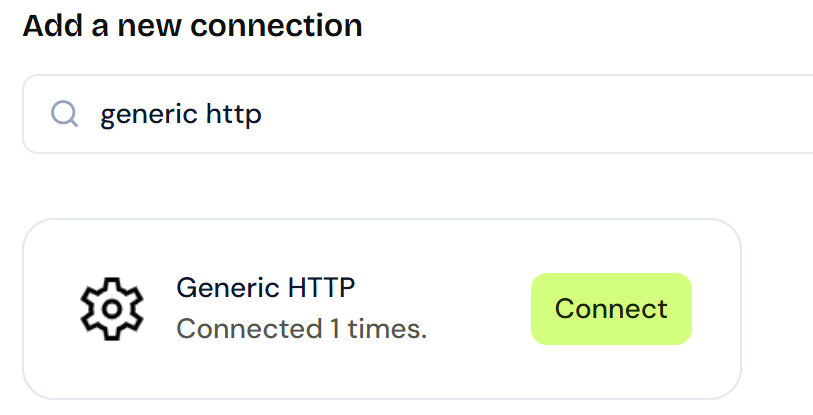
Click Add Connection and search for Generic HTTP.
Enter a unique ID (for example, "crm-system-1"), a descriptive name, and the authentication token required by the destination system.
Click Save.
Stage 2: Configure the automation
Open the capture you want to use and go to the Automate step.
Click Connect Another CRM and select the Generic HTTP connection you created.
Enter the HTTP Method and Endpoint URL.
Add any required Payload Headers.
Build the payload structure and use the Add a Field option to insert Driftrock dynamic fields wherever the endpoint expects lead data.
Save and activate the automation.
Tips for getting the most out of the Generic HTTP Connection
If the destination returns a 400 Bad Request error, compare your payload structure carefully against the destination system's API documentation. The most common cause is an incorrect field format or a missing required header. Treat the authentication token as sensitive: only share it with the destination system and store it securely.